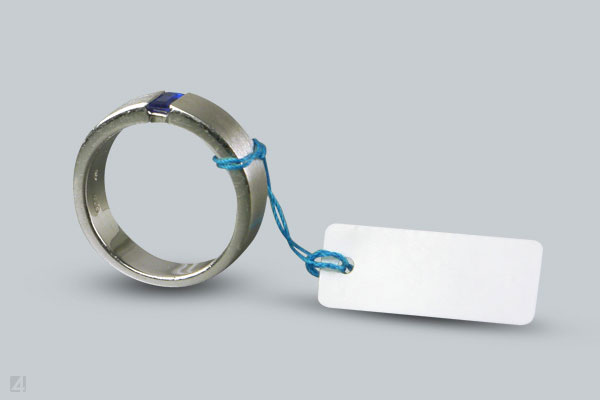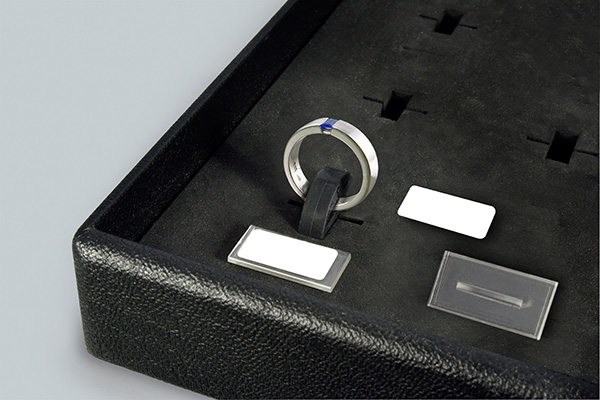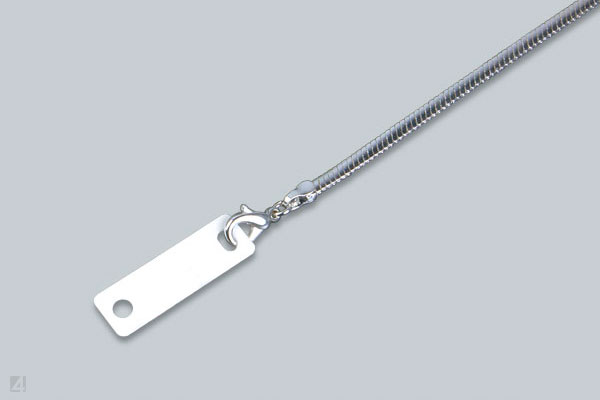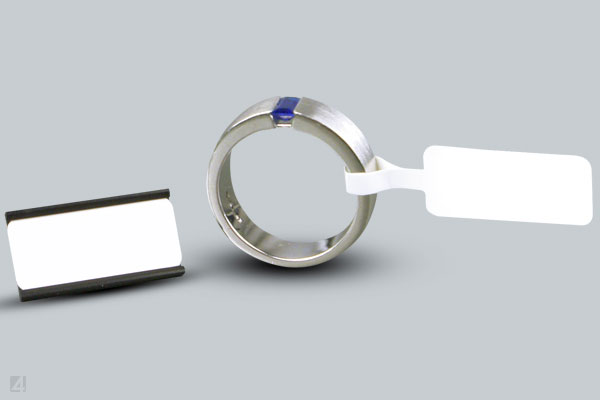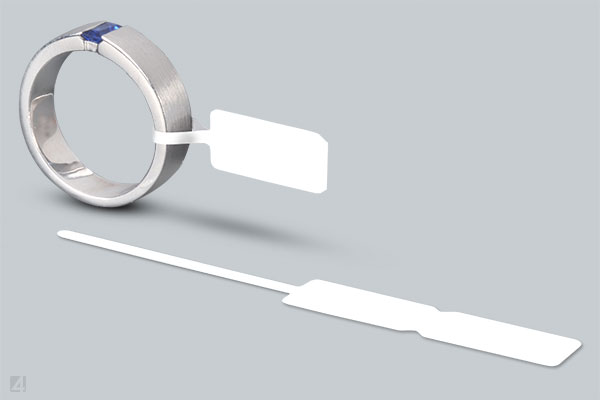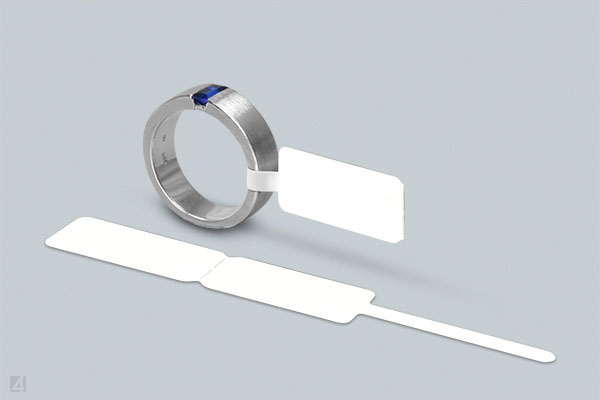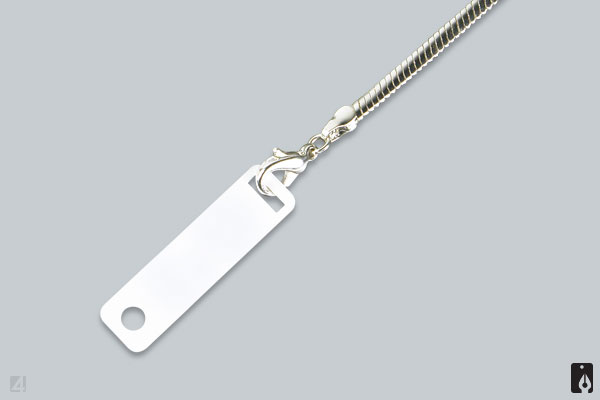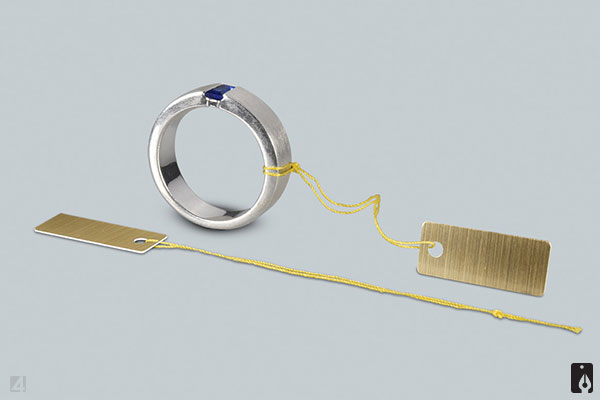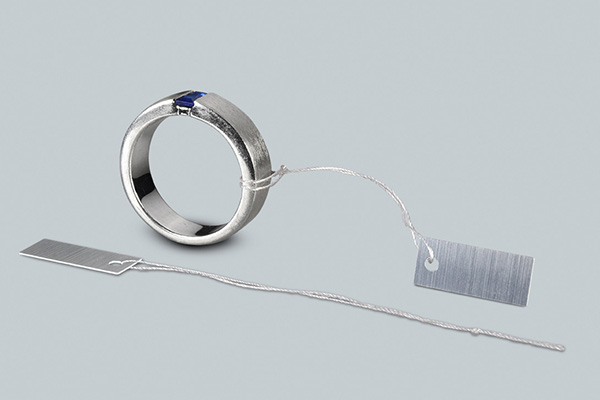
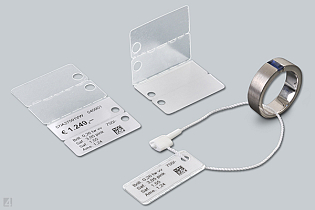
JEWELLERY LABELS
for jewellers and manufacturers
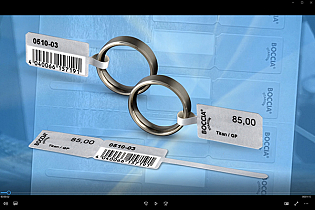
plain or with individual logo
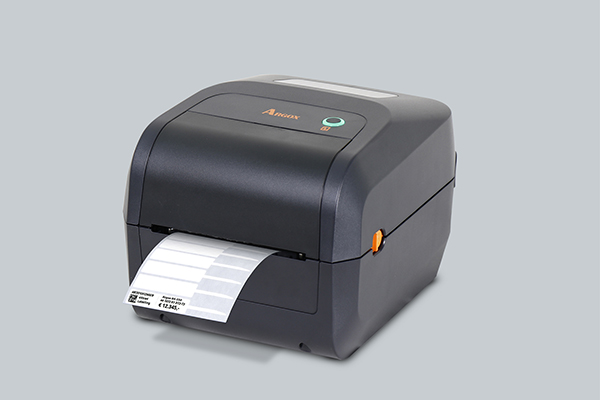
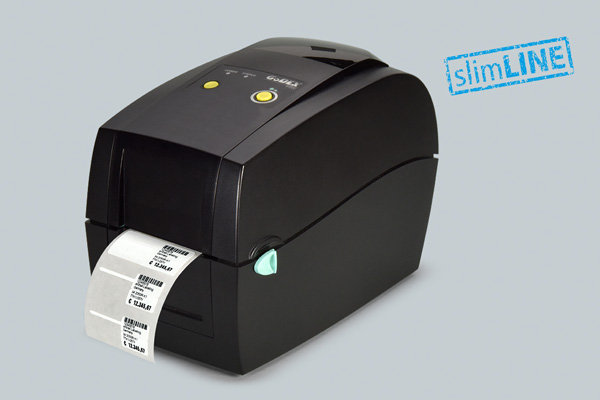
for marking in a label printer




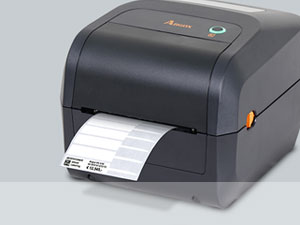
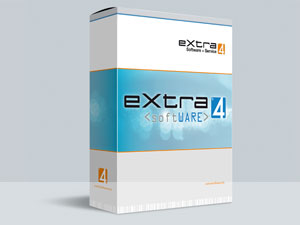

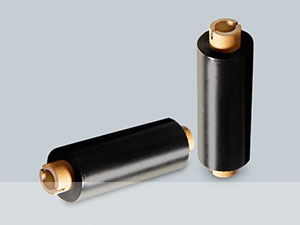

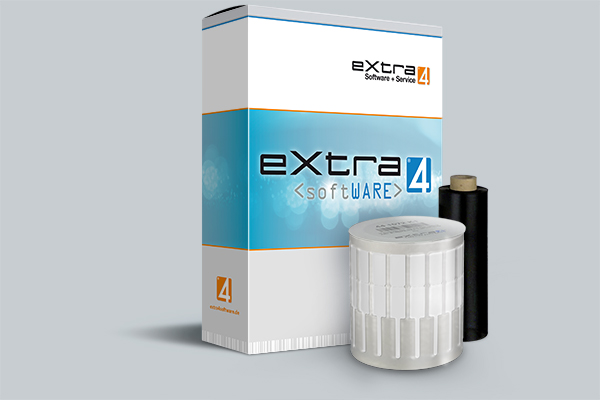
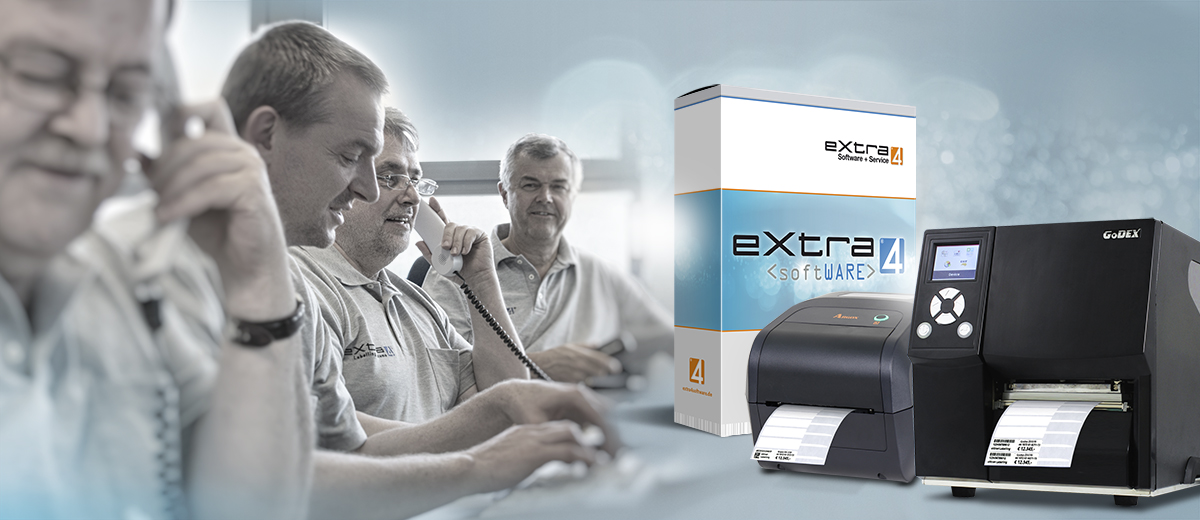
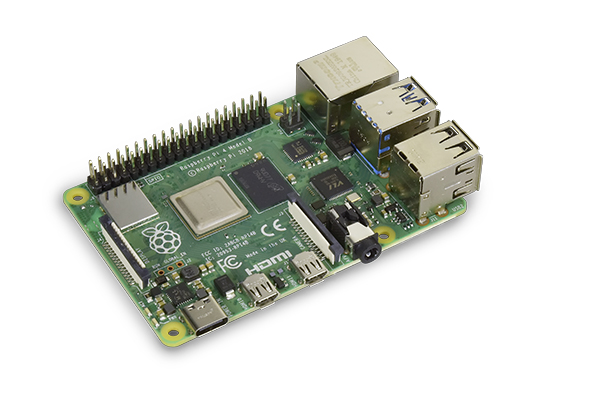
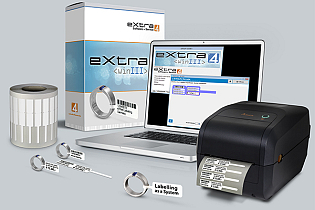
The labelling solution eXtra4-webPI enables label printing independent from the operating system of the connected computer. The stand-alone system consists of the browser-compatible software eXtra4<web1>, installed on the Raspberry Pi single-board computer. The hardware/software tandem doesn't need its own monitor, but communicates with the user via web browser.
As a platform-independent system, eXtra4-webPI is compatible with any current computer based on:
• Windows
• Apple
• Android
• Linux.
label printing is operated separately from the client's system, on the stand-alone Raspberry Pi mini-computer via eXtra4<web1> software.
The software requires a web browser for data entry and control of the label printer. It doesn't matter which one the operator uses on site. Possible is:
• Safari
• Edge
• Chrome
• Firefox
• etc.
Self-contained, eXtra4-webPI runs free of the increasingly restrictive influences of external operating systems and ensures permanently reliable label printing.
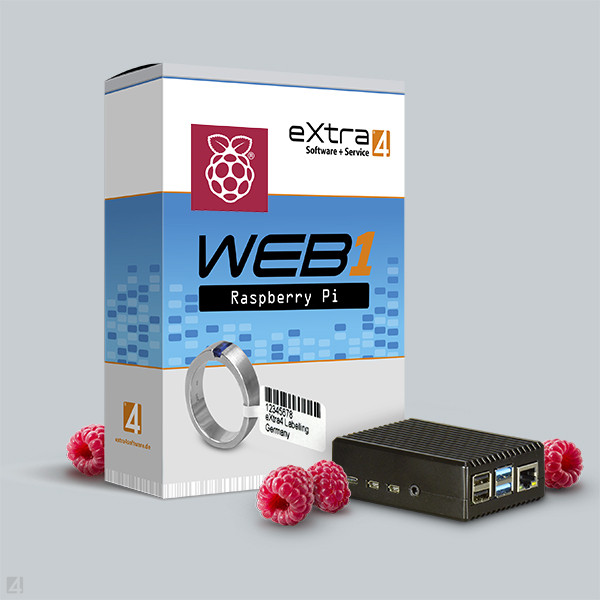
The eXtra4-webPi system is delivered The eXtra4-webPi system is delivered provided that all parameters relevant for operation are already known in advance.Then Plug&Play becomes true for the user: He plugs in the enclosed cables and can start printing. In other cases, the eXtra4 support takes over the installation remotely as soon as the single-board computer is completely booted. Without further user intervention, the Raspberry Pi logs on to the Internet on its own. Now eXtra4 employees have access and adapt the system to the IT on site until label printing works reliably.
The user operates the label printingon the browser and exploits the possibilities provided by the label printing software eXtra4<winIII> as a core function in Edition Lite. Instead of double-clicking on an icon, however, the application opens by entering a URL in the browser bar. The eXtra4<web1> application starts in the browser window.
With a mouse click, the layouts chosen for the selected label can be displayed on the screen as data entry masks. Data is entered manually via keyboard. Once the data has been typed in, the user defines the print run and triggers label printing.
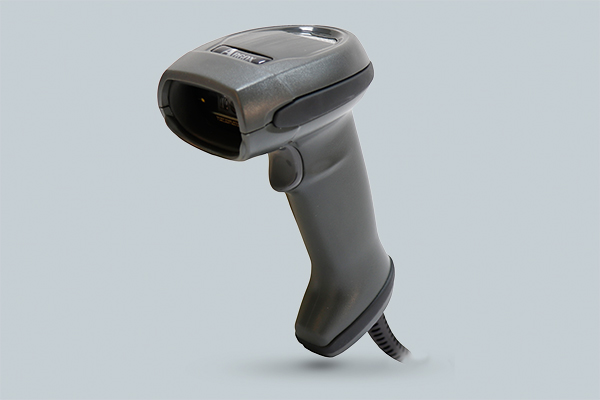
Rationalisation possibilities result from the use of a scanner for entering item numbers and by preassigning standardised texts to labelling fields. The printing of barcode/matrix code can be integrated as well as the output of a logo together with the data.
As a cross-platform solution, eXtra4
The implementation of eXtra4-webPI requires advice and support from our experts in any case. Please contact our Support-Team.

Our labelling systems in the field of software and associated services are supported by our subsidiary eXtra4 Software+Service GmbH.


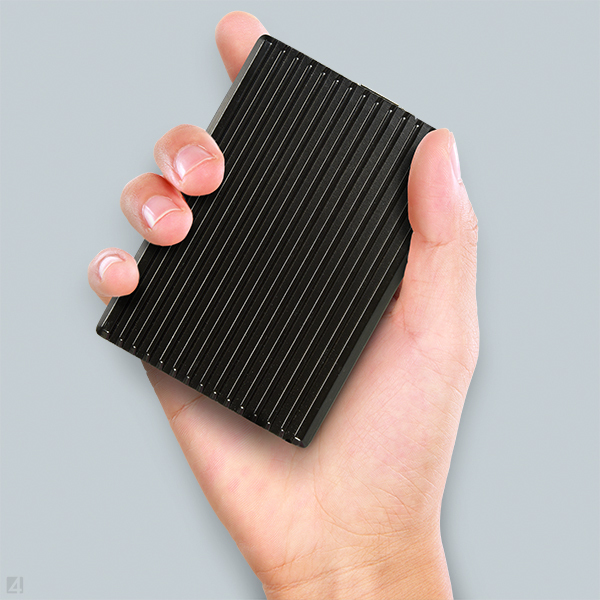
The Raspberry Pi single-board computer has dimensions of little more than a pack of cigarettes (90x30x62 mm BxHxT). It is delivered ready-assembled in a special, well heat-dissipating housing that doesn't require a space-consuming cooling fan. The related software eXtra4<web1> is already pre-installed.
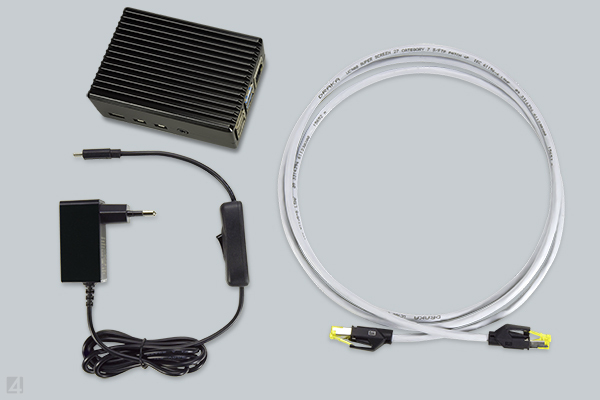
The scope of delivery includes two cables, one for the power supply and one for the connection to the network or router (length 3 m). The device is ready for operation as soon as the two cables are properly connected. Then eXtra4-webPI logs on to the Internet automatically
The label printing system eXtra4-webPI is automatically multi-user capable due to its network connection: Within the connected company network, data for labels can be entered from any number of workstations via the browser-based software access and their output can be triggered at the connected label printer (site-license).
If a company has several sites, a separate system must be purchased for each
The purchase of eXtra4-webPI for use at a single site includes a reasonable number of units for approximately 30 minutes of support to ensure platform-independent label printing. Generally, the integration of the cross-platform solution into the on-site system requires the support of our software experts.
We generally provide support by phone and online (remote) within our office hours (Mo – Tu 8.00-16.30, Fr 8.00-12.00). Please contact us by phone +49 7231 94790 or via e-mail.
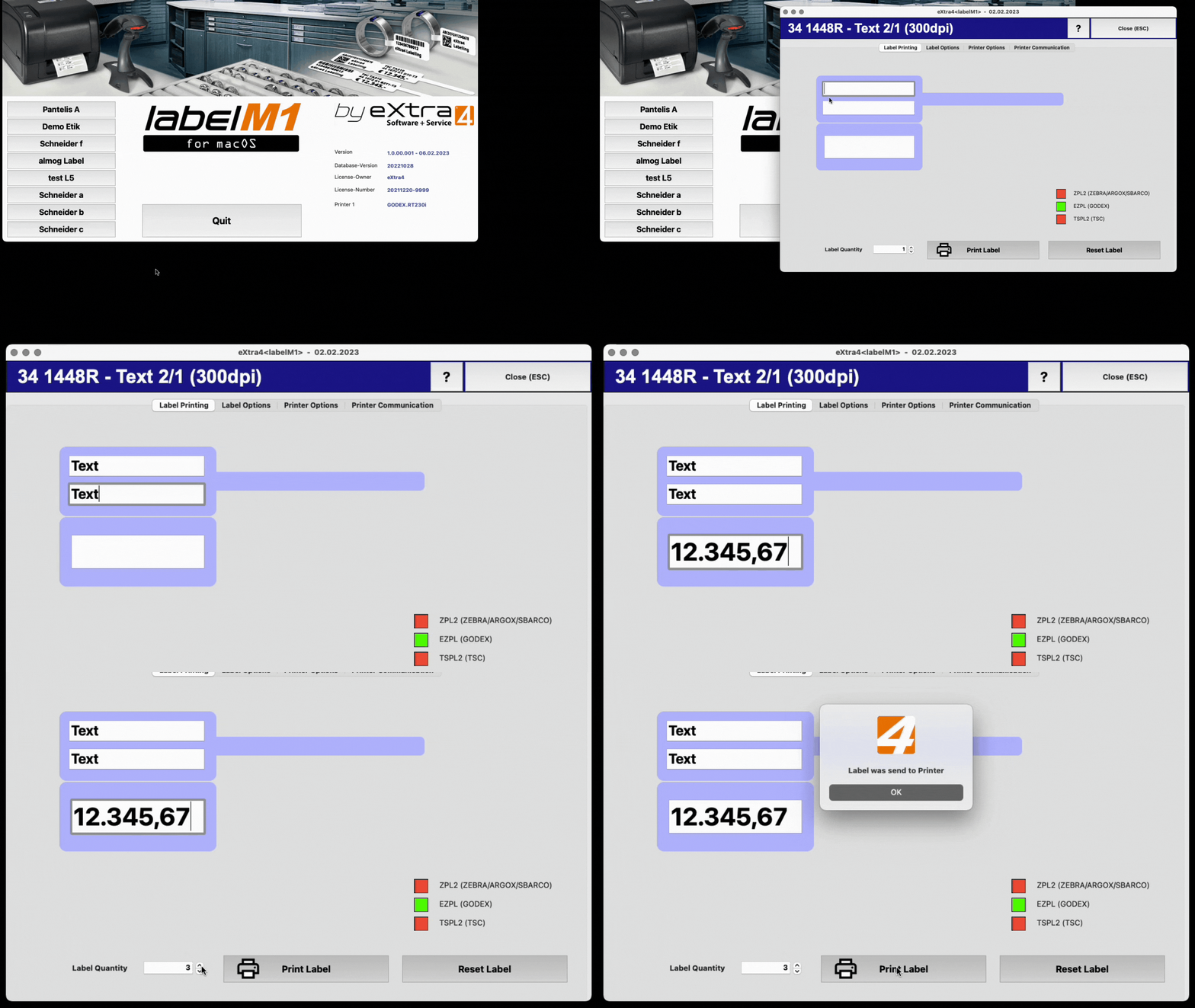
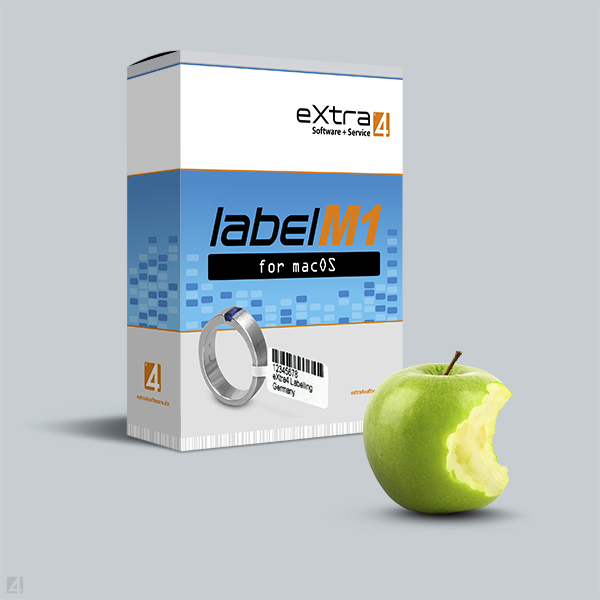
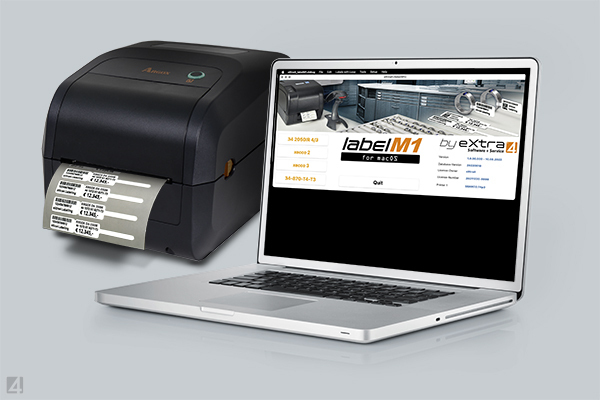
The marking of jewellery labels via Apple systems can be done reliably with the label printing software for jewellers and goldsmiths: eXtra4-labelM1.
The application is designed to work on Mac computers, created on an Apple system, compatible with M processors and the latest versions of Apple's operating system.
As Apple-compatible application, eXtra4-labelM1 has an intuitive operating concept. Numerous software features ensure Apple-appropriate convenience in label printing.
Therefore, eXtra4-LabelM1 is oriented towards the user expectations of the to easy handling accustomed international Apple community. Accordingly, the software is available in English.
Software eXtra4-labelM1 does not generate the print out with image data, as is usual with standard label design software. The application drives thermal transfer printers directly and communicates print data via the respective control language of the device.
Thanks to coordinate-based commands, eXtra4-labelM1 achieves a more precise print result, can create finer fonts and place them in a more accurate position.
This makes it possible to print small labels with complex shapes, such as those required in the jewellery and watchmaking industry, exactly and with high precision.
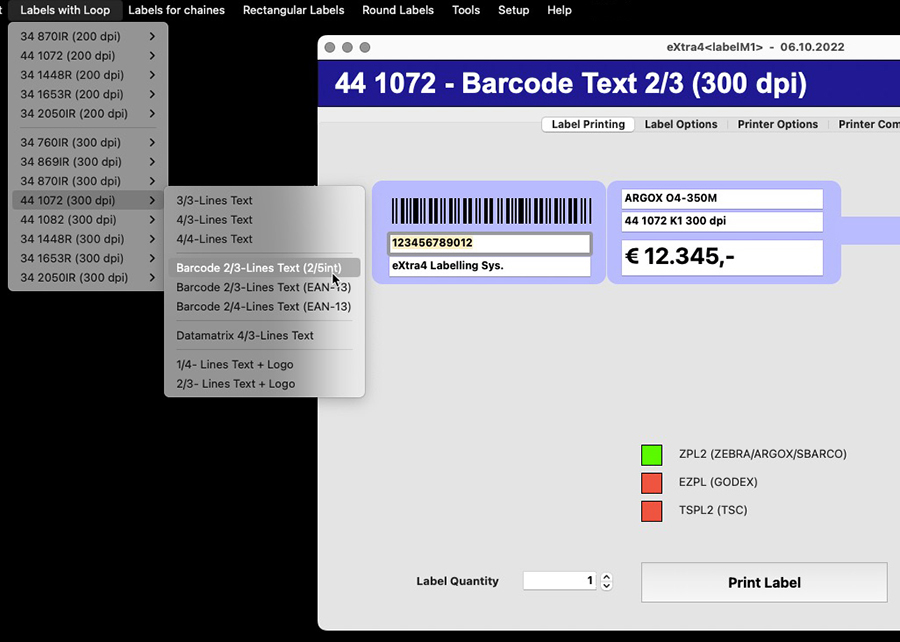
In eXtra4-labelM1, a label as a mask for data entry shows all entry fields in print position on the screen. The label design is already integrated in the software and is provided by eXtra4-labelM1 in a layout list.
Suitable for new label shapes from the eXtra4 stock range, the selection of ready-made designs is constantly revised and permanently supplemented.
A clear and simple software structure is a prerequisite for deployment on a Mac. It must be able to be delivered as a dmg file. Accordingly, eXtra4-labelM1 is plainly designed.
For setup on a Mac computer, the user simply drags and drops the software icon into the app directory. Everything else is done automatically in the background by the system, as Apple users are used to. The user copies the licence file into the user directory created by the system.
 | ||||
|---|---|---|---|---|
| 1 | 8 | ∞ | 20 | 275,- |
| Printers connectable |
Label layouts |
Label circulation |
Support units |
Price in € |
Due to the lack of drivers for Mac operating systems, automatic device detection is not possible with label printers as an Apple user would expect. Nevertheless, the connecting a label printer with eXtra4-labelM1 is very simple for the operator:
The unit is connected via USB or network. If the user has stored the manufacturer and type in the system, eXtra4-labelM1 self-actingly locates the label printer. The application automatically installs all further necessary resources from the depths of the operating system.
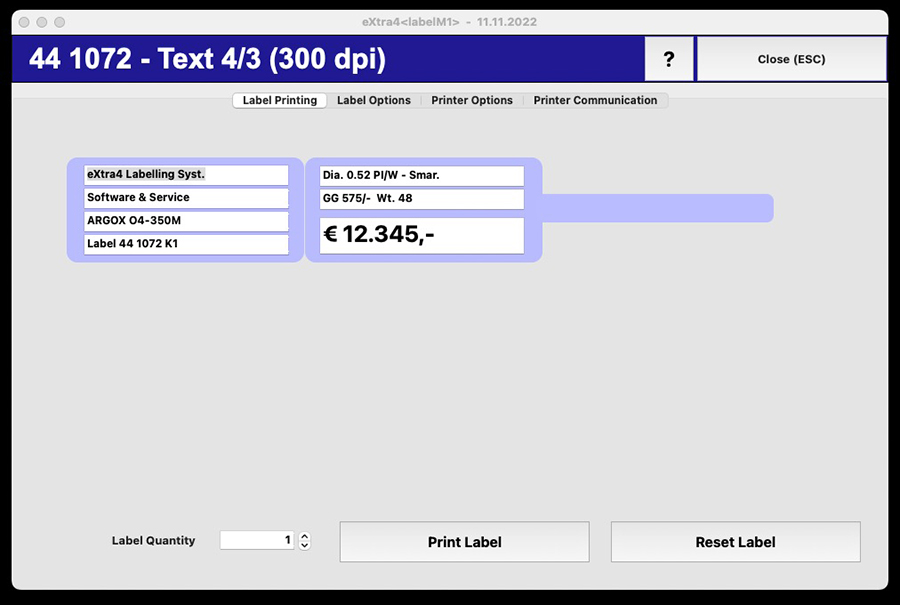
Users of the label printing software eXtra4-labelM1 only need 4 steps to printed labels: Select the layout, enter the data, determine the print run, start printing.
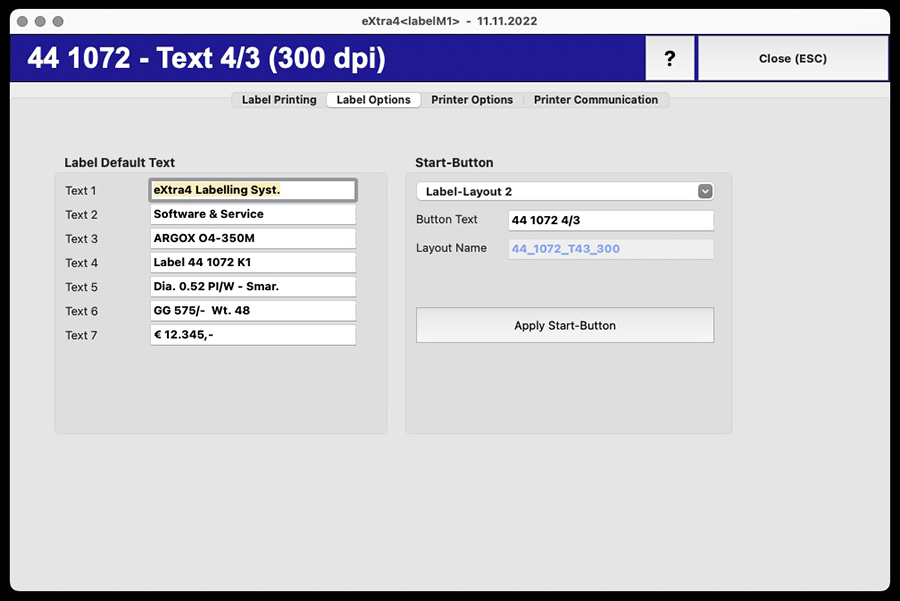
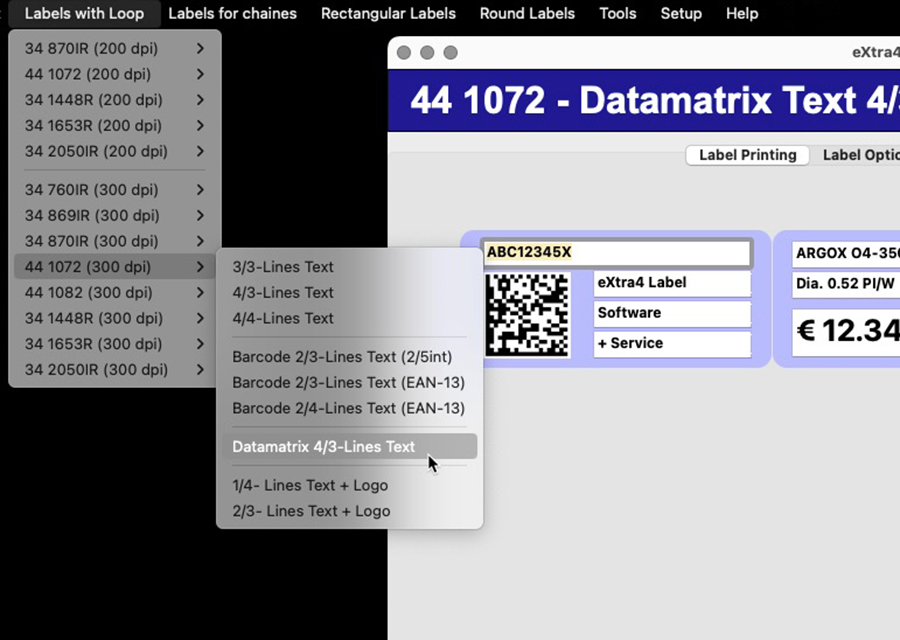
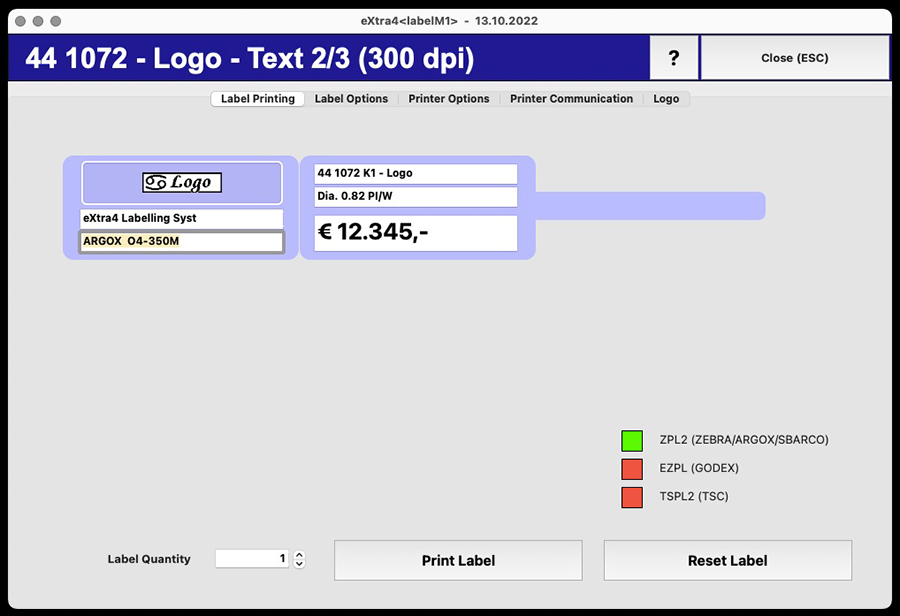
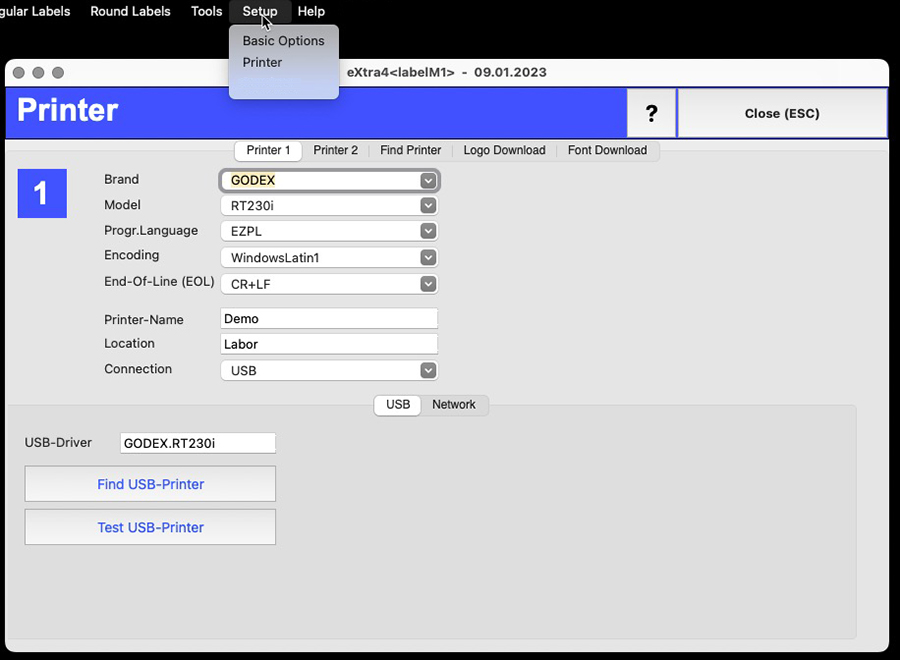
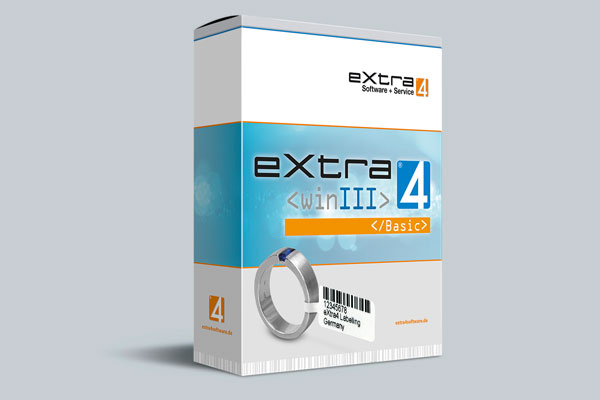
eXtra4-labelM1 as a label printing solution transfers decades of experience with eXtra4<winIII>, the sister product for Windows systems, to the Apple platform. Reliable MAC compatibility is guaranteed by development in Apple settings. A focus on easy, intuitive usability suits the habits of Apple users.
In any case, the use of eXtra4-labelM1 for label printing requires in-depth consultation. Please contact our Support-Team.
Our labelling systems in the field of software and associated services are supported by our subsidiary eXtra4 Software+Service GmbH.


After the purchase, support experts from eXtra4 take care of adapting the software to the conditions on site. The purchase price of the label printing software eXtra4-labelM1 therefore already includes an certain contingent of support units (1 unit = 6 minutes).
We generally provide support by telephone and online (remotely) within our business hours (Mon - Thurs 8.00-16.30, Fri 8.00-12.00). Please contact us at +49 7231 94790 or via e-mail.
The eXtra4-labelM1 software is continuously updated. Upgrading is free of charge within one main release number or within one year from the date of purchase.
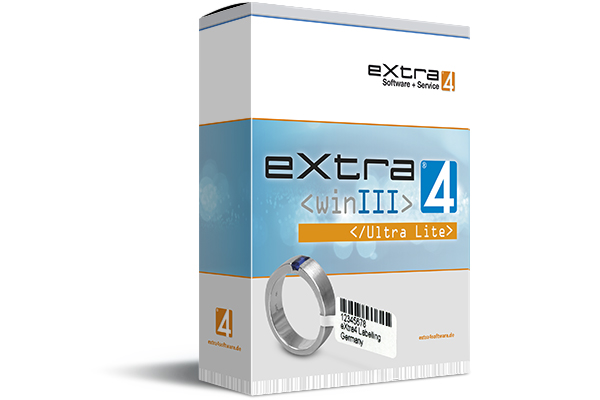
 | ||||
|---|---|---|---|---|
| 1 | 1 | 1 | 0 | 0,00 |
| Printers connectable |
Label - layouts |
Label circulation |
Support units |
Price in € |
Our labelling systems in the field of software and associated services are supported by our subsidiary eXtra4 Software+Service GmbH.




User of Edition „Ultra Lite“, who want to work more comfortable with eXtra4<winIII>, but still free of charge, register from within the software. The registration causes a free upgrade to the next higher version of the program, the Edition "Lite". For confirmation, the user receives his personal license number by e-mail.
Get to know eXtra4
As free trial version eXtra4<winIII> Edition „Ultra Lite“ does not include any support services. If you need support, we wil be happy to help you fee-based with advice. Please contact our support team at +49 7231 94790 or by mail.
Mail with download link, entry as registered user, shipping of license number and activation are not automatic, but immediately within our office hours (Mon - Thu 8.00-16.30, Fri 8.00-12.00). During these times we also support you.
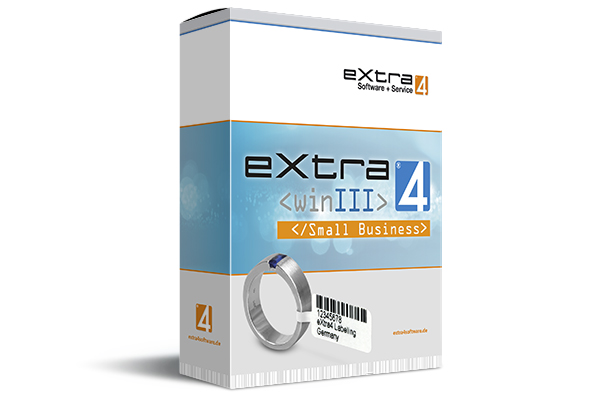
 | ||||
|---|---|---|---|---|
| 4 | ∞ | ∞ | 40 | on request |
| Printers connectable |
Label - layouts |
Label circulation |
Support units |
Price in € |
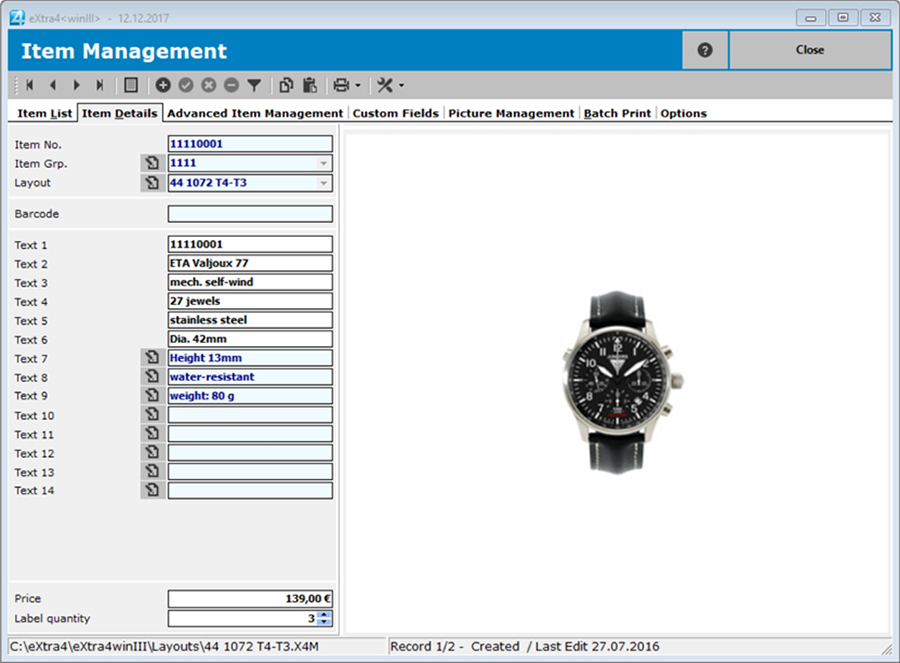
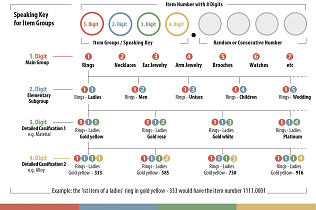
If the user does not yet have a numbering system, extra4<winIII> automatically generates an item number when creating a new item via hierarchically structured item groups. The hierarchy of the item groups needs to be well thought out and is stored by the user according to his own structures in the program previously.
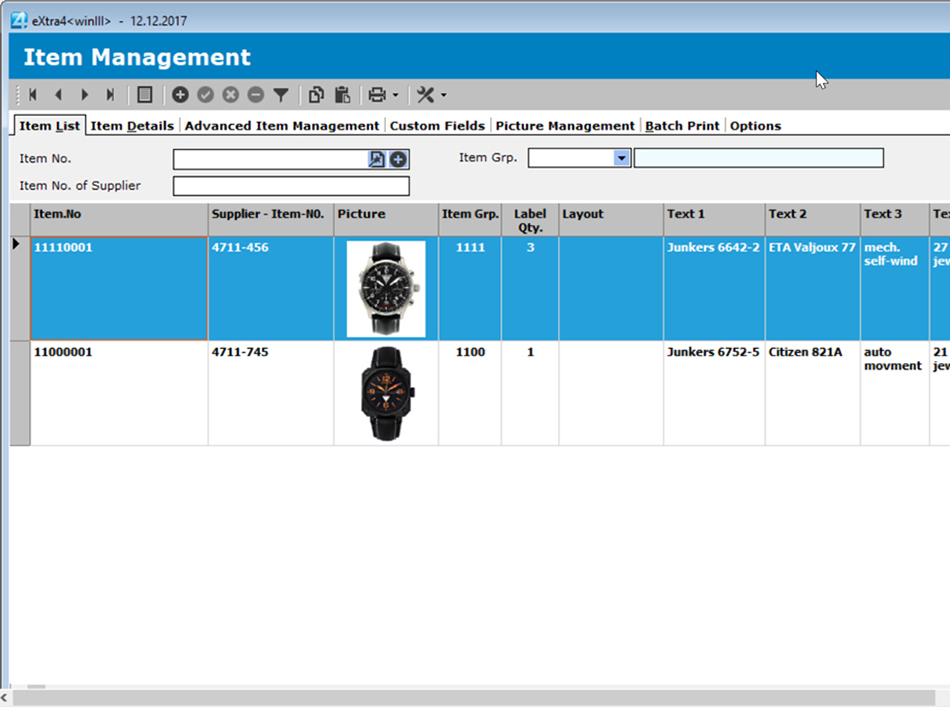
Space for additional information
The database of eXtra4<winIII> offers besides the article data for the label printing additional storage space for memo texts of any length, e.g. to note evaluations or further product descriptions.
A small product image (thumbnail) can also be stored in the data record for quick identification of an article. If a product is to be portrayed in more detail with photos, it is recommended to use the additional function "Image management".
Simple address management
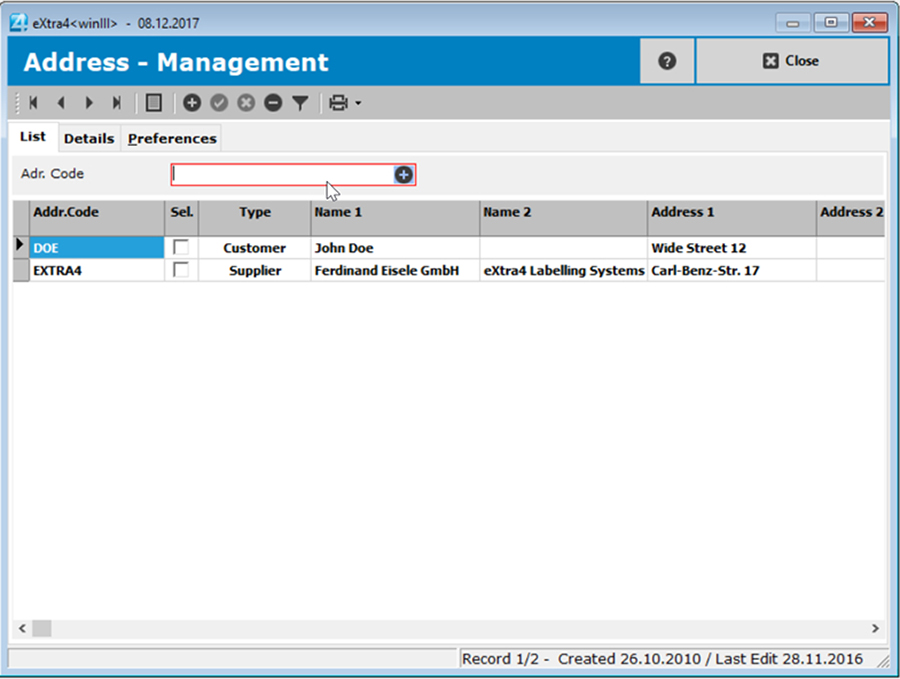
The label printing software extra4<winIII> also uses its integrated database for address management. It generates shipping labels from entered address data. Once the sender line and other parameters have been defined, address labels can be printed individually.
Each registered address receives a unique address code as a search criterion, e.g. the customer or supplier number. The data record is created under this code and the addressee is recorded with his data. A categorization allows addresses to be sorted according to suppliers, customers and other categories
.
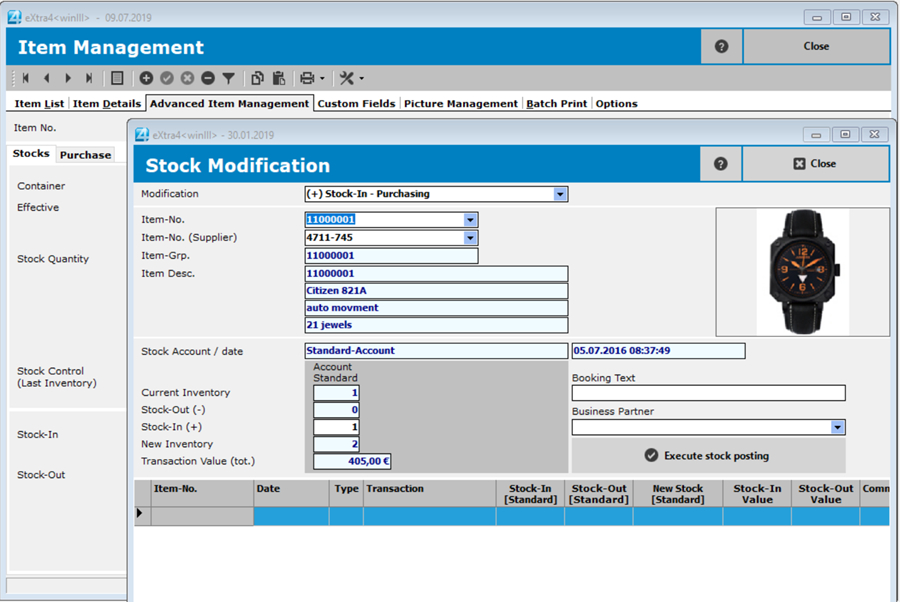
The label printing software extra4<winIII> with its integrated, local database now has extended possibilities. In addition to the information required for labelling, stock levels of already created items can be managed and additional information can be stored. Even an inventory can be carried out with eXtra4<winIII>.
Individual expansion of master data
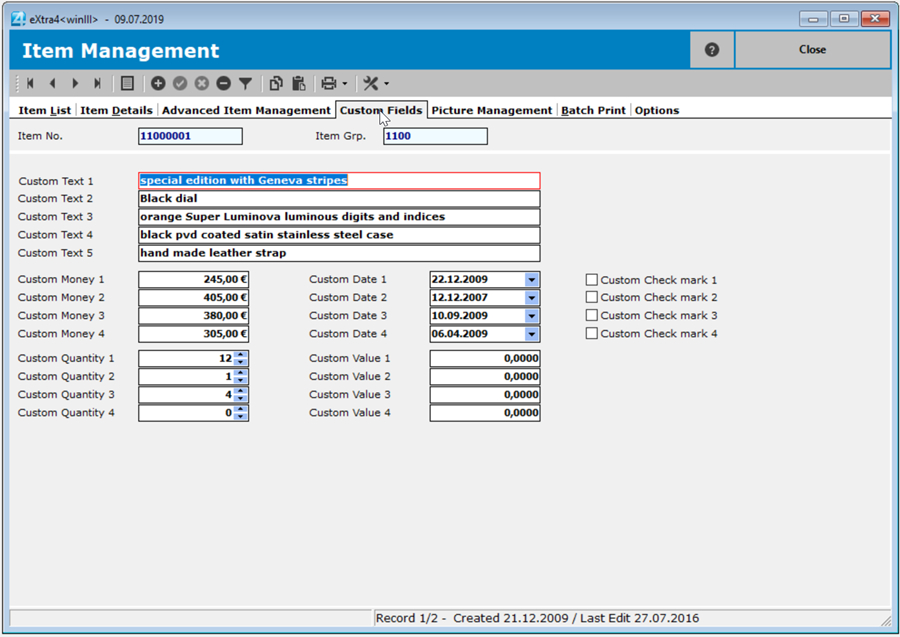
The extended item management of extra4<winIII> supplements the master data with a multitude of individually adaptable fields. They can be used e.g. for information on the purchase of an item (price, quantity, time, recommended sales price) or for evaluations and further descriptions.
The item number of the vendor is created as an additional key field. Items are now found in the database not only under the vendor's own item number, but also under the vendor's item number.
In the container management of the label printing program eXtra4<winIII> the storage locations of items can be recorded. Each container, like e.g. a tray or display and a drawer or a shop window receives a unique container code as storage location. The items are assigned to this code as content. This makes it easier to localise and check them.
Advantages for barcode users
Printed barcode labels from the item management of eXtra4<winIII> simplify the recording of goods movements and inventory. Instead of typing in item numbers by hand, you scan the barcode, get to the data record of the item and record the stock there. For example, barcode labels that were removed at the point of sale can be scanned later and posted as sales.
Purchases can be stored in the database particularly efficiently if suppliers also use barcodes. If you have entered the supplier's item number as an additional search key in the inventory data, you only have to scan the supplier barcode to jump to the relevant item in the database and the goods receipt can be posted.
Data evaluation and inventory
Users of the label printing software eXtra4<winIII> can use the data stock in their database for evaluations. The application provides standard lists that users can easily adapt to their individual requirements. A report generator generates screen previews or printouts, but also outputs the list formatted as PDF or XLS files.
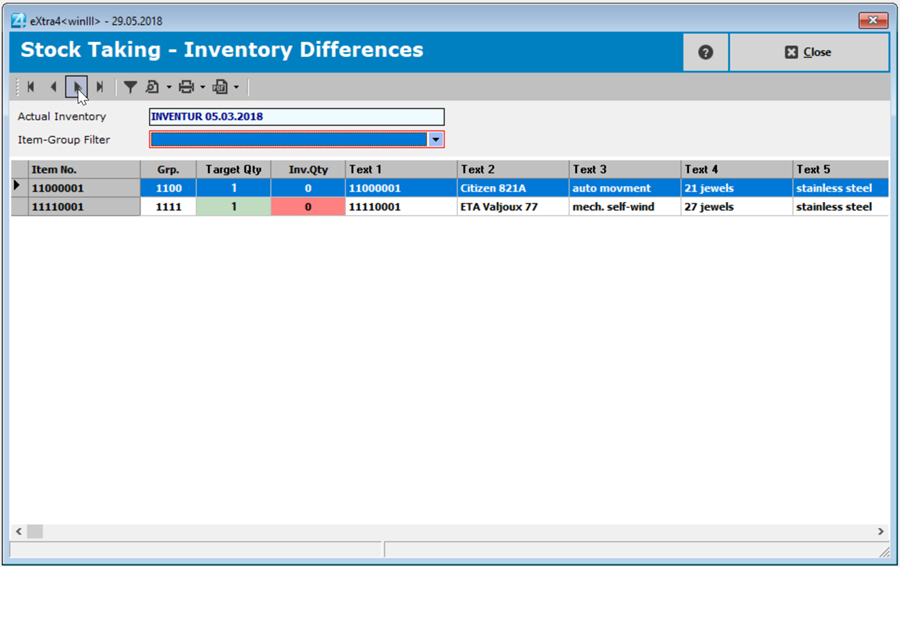
Inventory is probably the most important form of data evaluation. With the help of inventory control, current item quantities can be easily recorded at any time in the eXtra4<winII> software, compared with target inventories and differences determined. Users call up the item to be checked via its item number, ideally via scanner and barcode, and enter the counted quantity. Integrated lists enable the output of corresponding overviews, so that a correction booking can be made if necessary.
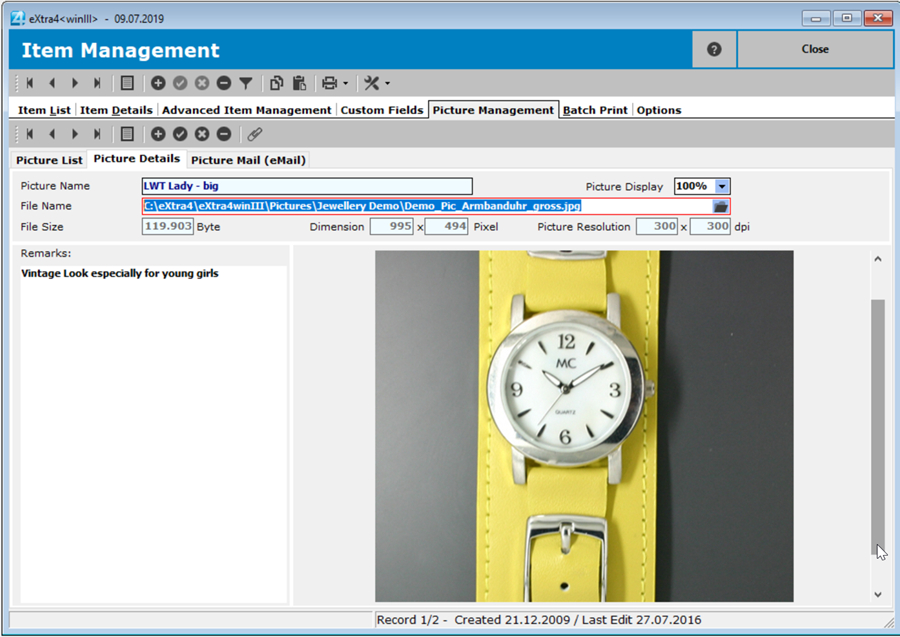
The image management of the label printing software extra4<winIII> enables the management of several high-resolution images of an item. Whereas previously only a single small image (thumbnail) was used in item management to identify an item more quickly, image management uses the integrated item database to manage large, often confusing quantities of professional photo documents. Archived in this way, image files are easily searchable and easily accessible.
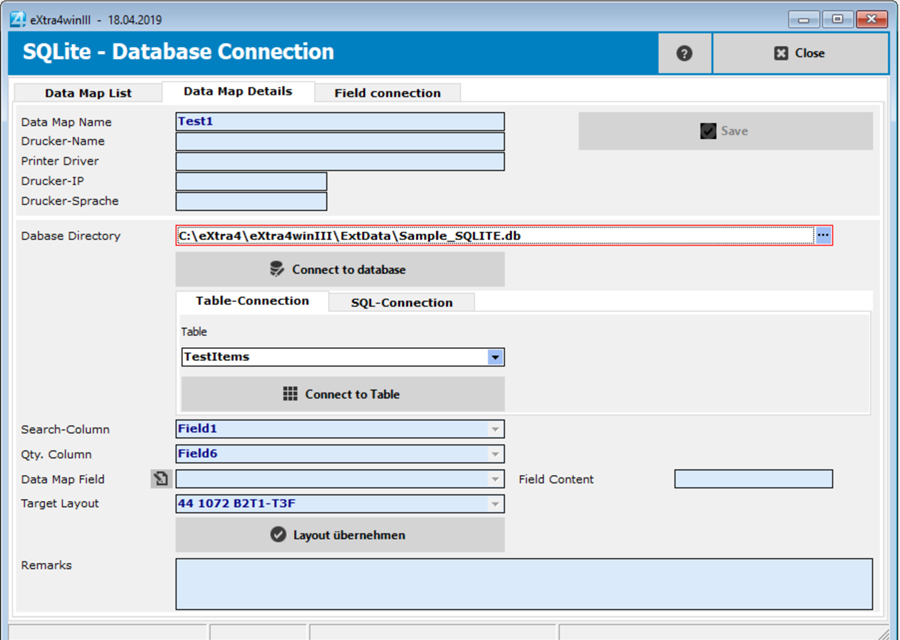
Label printing from external databases is possible with the extra4<winIII> software. It directly accesses local databases and imports data from there directly into the label layout selected as the entry mask.
In order to do justice to the complexity of each individual item, the most precise descriptions of all its individual components can be stored. For jewellery, for example, in addition to the metal alloy, all stones can be entered individually in stone type, shape, colour, cut and carat weight, as well as information on findings.
For watches in addition to the model and serial number, exact details of the watch case, bezel, crown, movement and strap can be entered. Additional documents such as deeds or certificates can also be archived with the item number as key.
This additional function is currently still under development.
Our labelling systems in the field of software and associated services are supported by our subsidiary eXtra4 Software+Service GmbH.






WORLDWIDE DELIVERY...
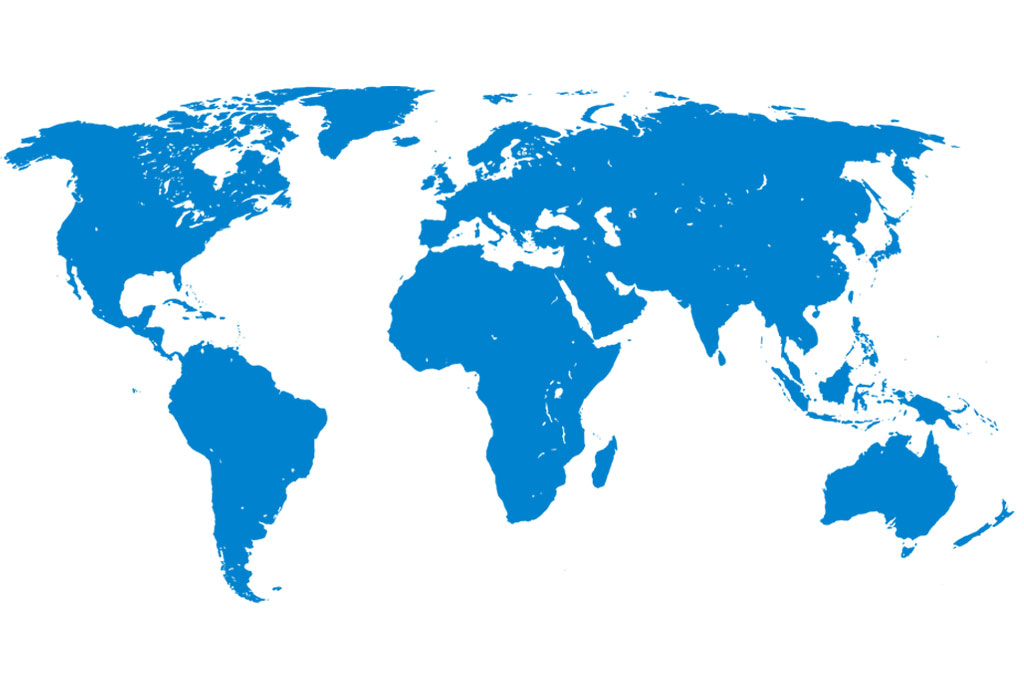
eXtra4 Labelling Systems operates internationally - focusing on the market for jewellery, watches and gemstones. We supply customers around the globe. In more than 25 countries we have representatives for labels and label printing systems.
Our labelling systems in the field of software and associated services are supported by our subsidiary eXtra4 Software+Service GmbH.